Installation
Download the desktop app for macOS, Windows, or Linux. Or self-host with Docker or a manual Python setup.
Some features on this page require the Full Version.
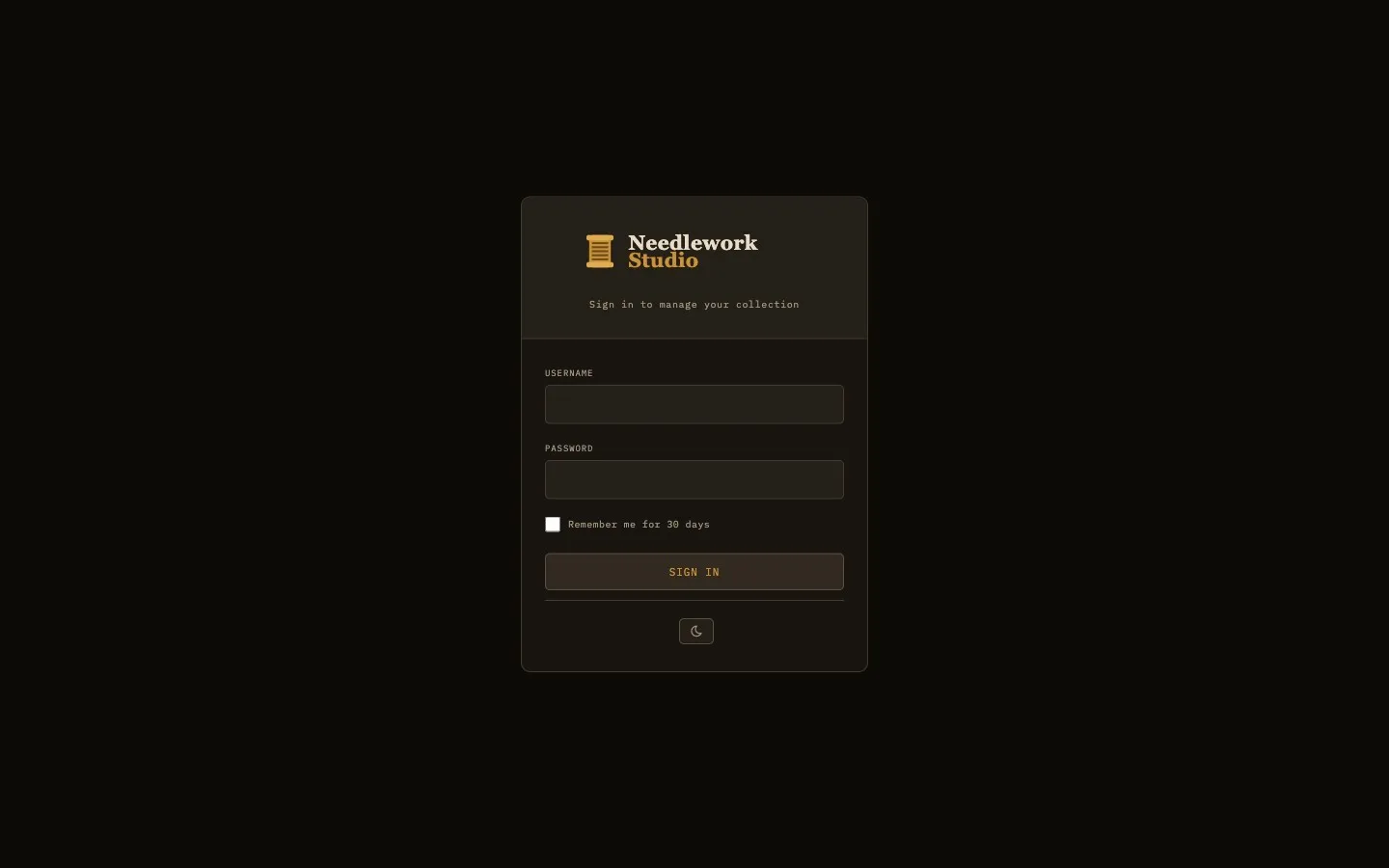
The sign-in screen on a self-hosted server
System Requirements
- macOS - macOS 11 (Big Sur) or later, on Apple Silicon (M1 or later).
- Windows - Windows 10 or later (64-bit).
- Linux - Ubuntu 20.04, Debian 11, or equivalent (64-bit). Available as AppImage (universal) and .deb package.
- Docker - Any system running Docker Engine 20.10 or later.
- Manual Setup - Python 3.10 or newer.
Desktop App
Pre-built desktop installers are available on the Downloads page. Download the appropriate package for your operating system:
- macOS -
.dmgdisk image (Apple Silicon, ARM64). For M1 or later Macs. Open the DMG and drag Needlework Studio into your Applications folder. - Windows -
.exeinstaller. Run the installer and follow the on-screen prompts. - Linux -
.AppImageportable executable. Mark the file as executable (chmod +x) and run it directly. - Linux (.deb) -
.debpackage for Debian and Ubuntu. Install withsudo apt install ./needlework-studio_*.deb.
Local Data Storage
The desktop app stores all data locally on your machine. No server is required. Your thread inventory, patterns, and project data stay in the application's data directory on disk.
Updates
The desktop app keeps itself up to date. It checks for a new version, downloads it in the background, checks that the download is genuine, and then asks whether to restart now. Choose Restart Needlework Studio to install it right away, or Later to keep working. You can also check yourself with Check for Updates… in the app menu (macOS) or the Help menu (Windows and Linux). There is no need to download the installer again.
Docker
Docker is the recommended way to self-host Needlework Studio. A single container runs the full application with persistent data stored in a Docker volume.
Quick Start
Pull the latest image from the GitHub Container Registry:
docker pull ghcr.io/greenglasst/needleworkstudio:latestDocker Compose
Create a docker-compose.yml file with the following configuration:
ACCEPT_EULA=true and LICENSE_KEY set to your Server key. Both are included in the example below.
services:
  needlework-studio:
    image: ghcr.io/greenglasst/needleworkstudio:latest
    ports:
      - "6850:6850"
    volumes:
      - needlework-data:/data
    environment:
      - ACCEPT_EULA=true
      - LICENSE_KEY=your-server-license-key
      # The name or address you open the server by, for its certificate
      # - TRUSTED_HOSTS=192.168.1.50
      # - ADMIN_USERNAME=your_username
    restart: unless-stopped

volumes:
  needlework-data:
Start the container:
docker compose up -dWhen it starts, the server checks your license key with the license server. If it cannot reach the license server it still starts. A key that has been revoked or is not recognized stops it from starting, and the reason is written to the log.
HTTPS and the Pairing Code
The container serves https, using a certificate it makes for itself the first time it starts. This is what lets it work safely on a home network with no domain name. The start-up log (docker compose logs needlework-studio) shows a pairing code, which the desktop app asks for when you connect it to this server.
Because the certificate is not from a public authority, your browser shows a warning such as "This Connection Is Not Private" the first time you visit. That is expected. Choose Advanced (or Show Details), then continue to the site. You usually only need to do this once per device, though Android can forget it and ask again.
- Set
TRUSTED_HOSTSto the name or address you open the server by before the first start, so the certificate covers that address. Once it is set, the server only answers to the addresses on that list (and localhost), so list every one you use. - To get rid of the warning entirely, put a reverse proxy such as Caddy in front and set
HTTPS=true. See Deployment. - Upgrading from a version before 0.18.0? The same port now speaks https, so an old
http://bookmark stops loading. Usehttps://, or setSELF_TLS=falseto go back to plain http (not recommended, and the desktop app cannot pair with a server on your network over plain http).
Create Your First User
After starting the container, create an initial user account with the built-in management script:
docker compose exec needlework-studio python3 manage_users.py createFollow the interactive prompts to set a username, email (must contain @), and a password of at least 8 characters (with confirmation). Once created, promote the account to admin so you can manage other users from the web admin panel:
docker compose exec needlework-studio python3 manage_users.py adminRun admin only once. It switches admin on and off, so running it again removes admin from that account.
Alternatively, you can set the ADMIN_USERNAME environment variable in your docker-compose.yml to automatically promote a user to admin on startup (see the Docker Compose example above).
Open https://localhost:6850 (or https:// plus your server's address and :6850 from another device) in your browser and log in. The first time you sign in you are asked to accept the license agreement.
Manual Python Setup
If you prefer to run Needlework Studio directly on a host machine without Docker, you can set it up manually with Python.
Prerequisites
- Python 3.10 or newer - verify with
python3 --version. - pip - the Python package installer (usually bundled with Python).
Clone and Install
Clone the repository and set up a virtual environment:
# Contact support for source access
cd NeedleworkStudio
python3 -m venv venv
source venv/bin/activate
pip install -r requirements.txt
Initialize the Database
Run the database initialization script to create all tables and seed the thread library:
python3 init_db.pyThis seeds the DMC and Anchor thread colors. The Mill Hill beads are added the first time the app starts, so you end up with 744 DMC, 441 Anchor, and 371 Mill Hill colors.
init_db.py drops and recreates the entire database. Only run this for first-time setup or if you need a full reset. Running it on an existing installation will permanently delete all user data, patterns, and inventory.
Create a User
Create your first user account:
python3 manage_users.py createFollow the interactive prompts to set a username, email (must contain @), and a password of at least 8 characters (with confirmation). Once created, promote the account to admin so you can manage other users from the web admin panel:
python3 manage_users.py adminAs with Docker, run admin only once, because running it again removes admin.
Run the Application
The server will not start without your Full Version + Server license key. Set it in the environment first:
export LICENSE_KEY=your-server-license-keyFor development or local testing, start the application directly with Python:
python3 app.pyThe application will be available at http://localhost:6850. A manual setup serves plain http. For anything beyond your own computer, put a reverse proxy with HTTPS in front of it (see Deployment).
Production with Gunicorn
For production deployments, use Gunicorn as the WSGI server:
gunicorn -w 1 --threads 4 -b 0.0.0.0:6850 app:appImportant: You must use a single worker (-w 1). Needlework Studio uses an in-memory rate limiter that is not shared across processes. Running multiple workers would cause each worker to maintain its own independent rate-limit counters, making the rate limiting ineffective. The --threads 4 flag provides concurrency within that single worker to handle multiple simultaneous requests.